Equipment & Logistics Guidance
While PRLS no longer supplies physical rental hardware directly, we help legal teams specify the right presentation setup, evaluate vendor quotes, and coordinate seamless installation.
Independent Advisory Notice: Peder Rudling Legal Services, Inc. is completely independent and is not an authorized representative, agent, or affiliate of Aquipt, SmartSource, or any equipment rental vendor. We receive no commissions or referral fees; all vendor observations are offered solely from practical courtroom experience.
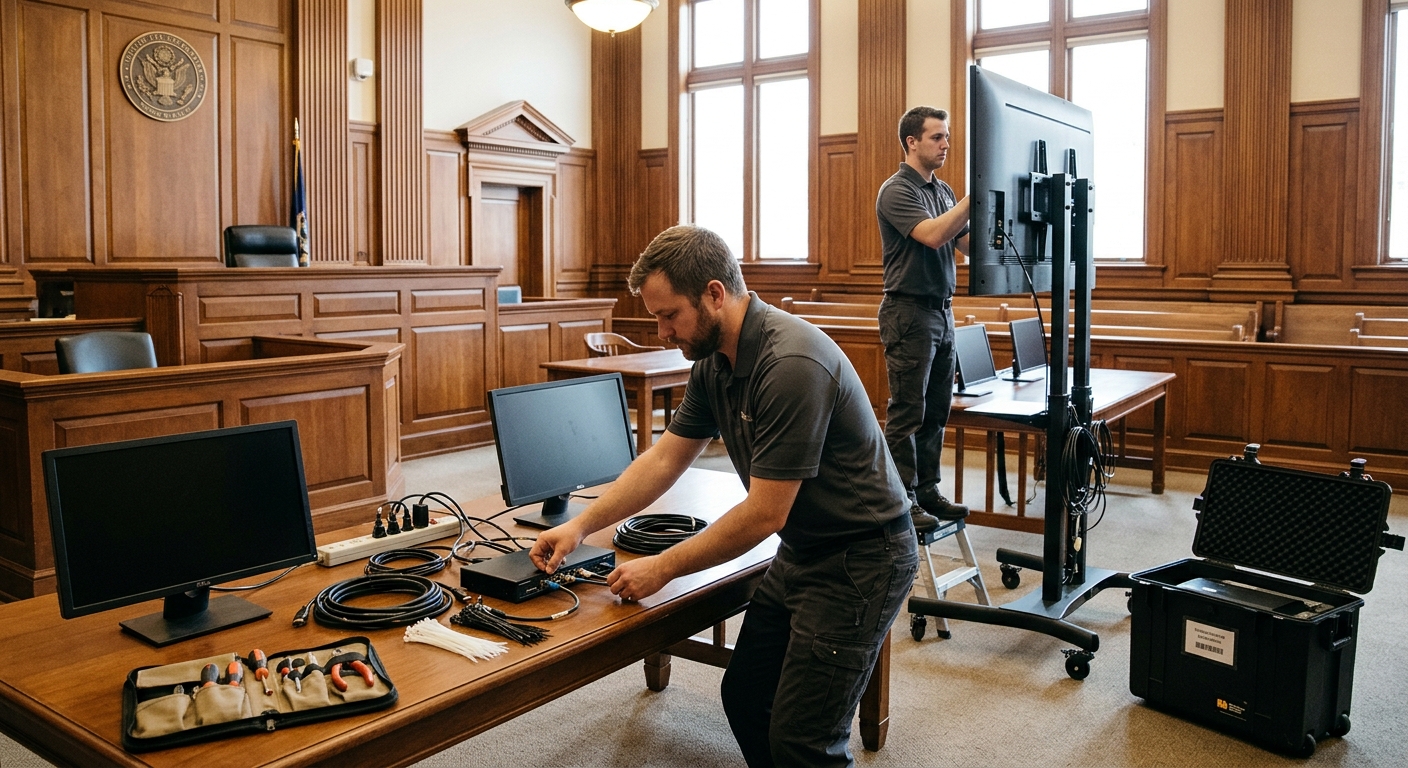
Comparing Your 4 Equipment Options
Every courtroom and arbitration venue has different technical capabilities, budget constraints, and staffing rules. Below is a practical comparison of the four primary ways legal teams source presentation gear.
| Equipment Option | Advantages | Trade-Offs & Risks |
|---|---|---|
| 1. Courtroom / Venue-Provided AV Built-in screens, projectors, or evidence carts | No equipment rental cost; already wired into the room; familiar to court clerks or arbitration administrators. | Display sizes, resolution, and viewing angles vary widely; input connections may be limited or outdated; little flexibility if components fail mid-hearing. |
| 2. Firm-Owned Office Equipment Projectors, screens, or monitors brought from the firm | Zero outside rental fees; full familiarity if your internal IT team regularly tests and maintains a dedicated trial kit. | Office projectors are often too dim for bright courtrooms; screen sizes may not fit the space; lack of on-site spares; opposing counsel may refuse to share firm-owned gear. |
| 3. National Litigation Providers Specialized firms such as Aquipt or SmartSource | Nationwide reach; deep inventory of courtroom-grade components; rapid replacement units; experienced on-site installation technicians. | Significantly higher rental and labor rates; best suited for multi-week trials, complex multi-monitor builds, or matters requiring war-room hardware packages. |
| 4. Local / Regional AV Vendors Independent regional audio-visual rental companies | Often strong cost value and personalized local service for shorter trials or single-conference-room arbitrations. | Varying familiarity with courtroom etiquette and legal switching workflows; requires careful upfront specification review and verification of backup spares. |
Baseline Courtroom & Arbitration Hardware Specs
When requesting quotes from an AV vendor or checking venue capabilities, use these baseline specifications to ensure crisp readability and clean switching.
Displays, Switching & Audio
|
Presentation Workstations & Redundancy
|
Scouting, Cabling & Cost-Sharing Tips
Click any topic below for practical field lessons on inspecting the venue, working with court staff, and avoiding day-one install friction.
- Respect Court Staff Time: Visit or call ahead briefly with a concise list of questions. Be courteous, learn the clerk's and judge's preferences, and avoid creating extra work for courtroom personnel.
- Verify Sightlines & Outlets: Confirm where the judge prefers a bench monitor, verify that displays will not block the court reporter's view of the witness, and locate approved electrical outlets inside the well.
- Sketch the Layout: Before leaving the building, draw a quick floor sketch noting distances, outlets, and furniture placement so your vendor brings exact cable lengths.
- Stage Outside & Test Before Taping: Assemble stands outside the doors so setup inside the room takes under 30 minutes. Test every laptop input, monitor feed, and video audio level before taping down cables.
- Two-Tone Cable Safety: Route cables away from rolling chairs and foot traffic. Secure runs with black gaffer tape and mark high-traffic walkways with high-visibility yellow safety tape to prevent trips.
- Shared Infrastructure Saves Both Sides Money: Because projectors, main displays, and video switchers serve the entire room, opposing counsel frequently agree to split core rental expenses 50/50—even in contentious matters.
- Neutral Technical Cooperation: Establishing early that the shared display system will switch cleanly and reliably for both sides builds trust and reduces courtroom friction.